My Profile
Updating Profile Settings
Step 1: Navigate to Profile
Click your avatar in the sidebar and select Profile, or navigate to /profile.
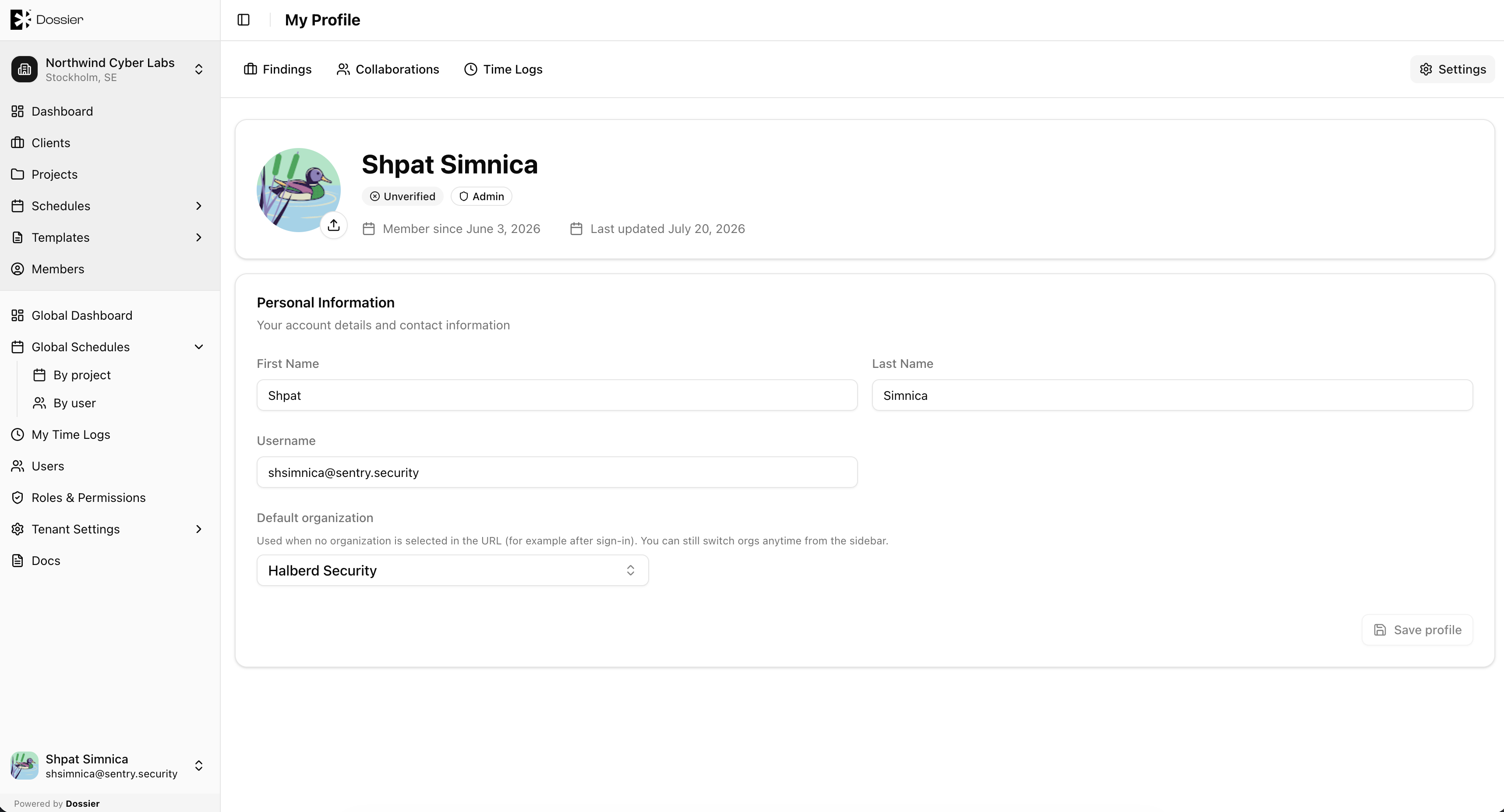
Step 2: Update your details
| Field | Description |
|---|---|
| First Name | Your first name. |
| Last Name | Your last name. |
| Avatar | Upload or replace your profile picture. |
| Default Organization | The organization you land in after login. |
Step 3: Click Save
Changes are applied immediately.
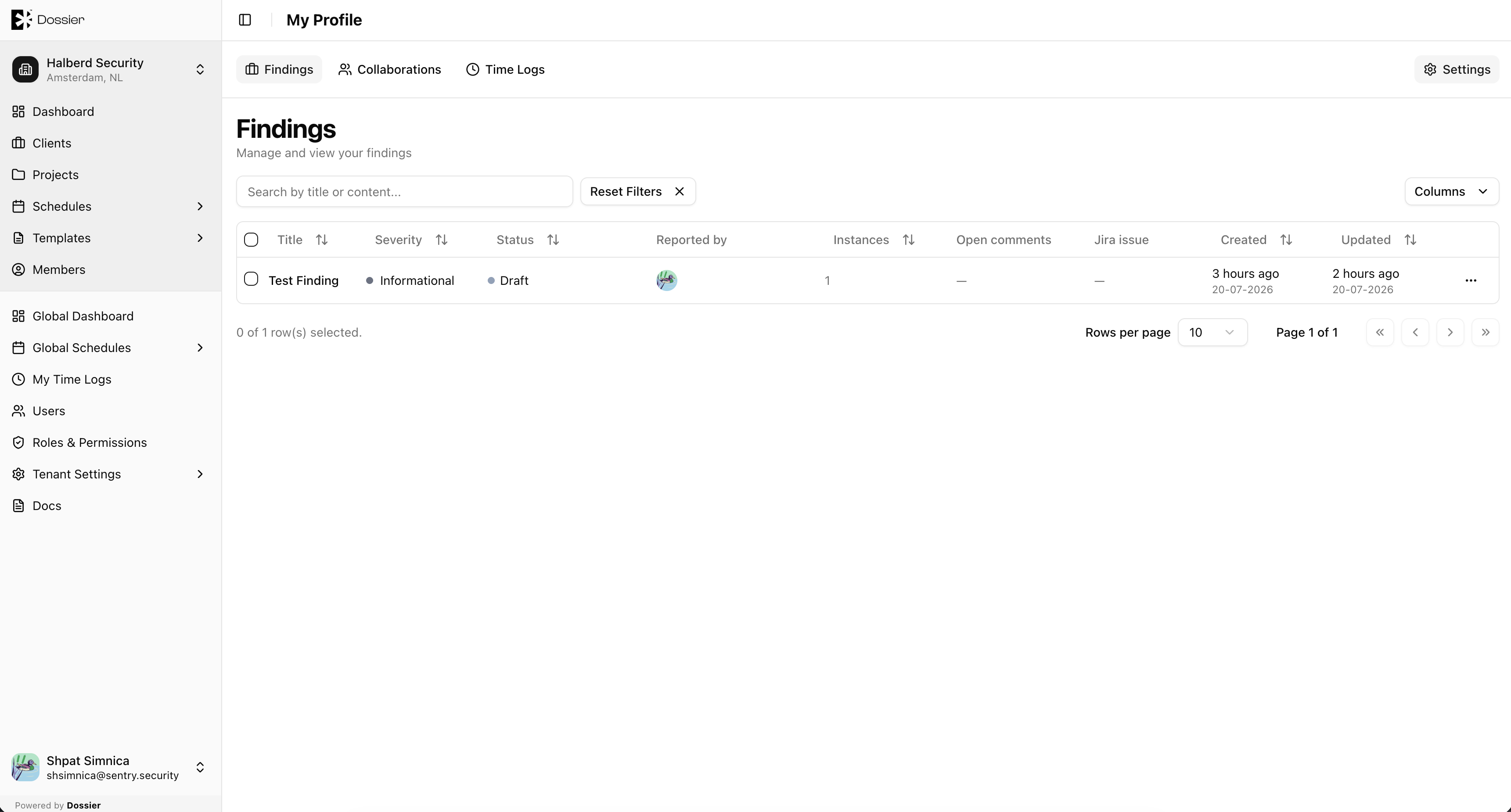
My Findings
The My Findings tab shows all findings where you are the creator. Click a row to open the finding detail page.
Route: /profile/findings
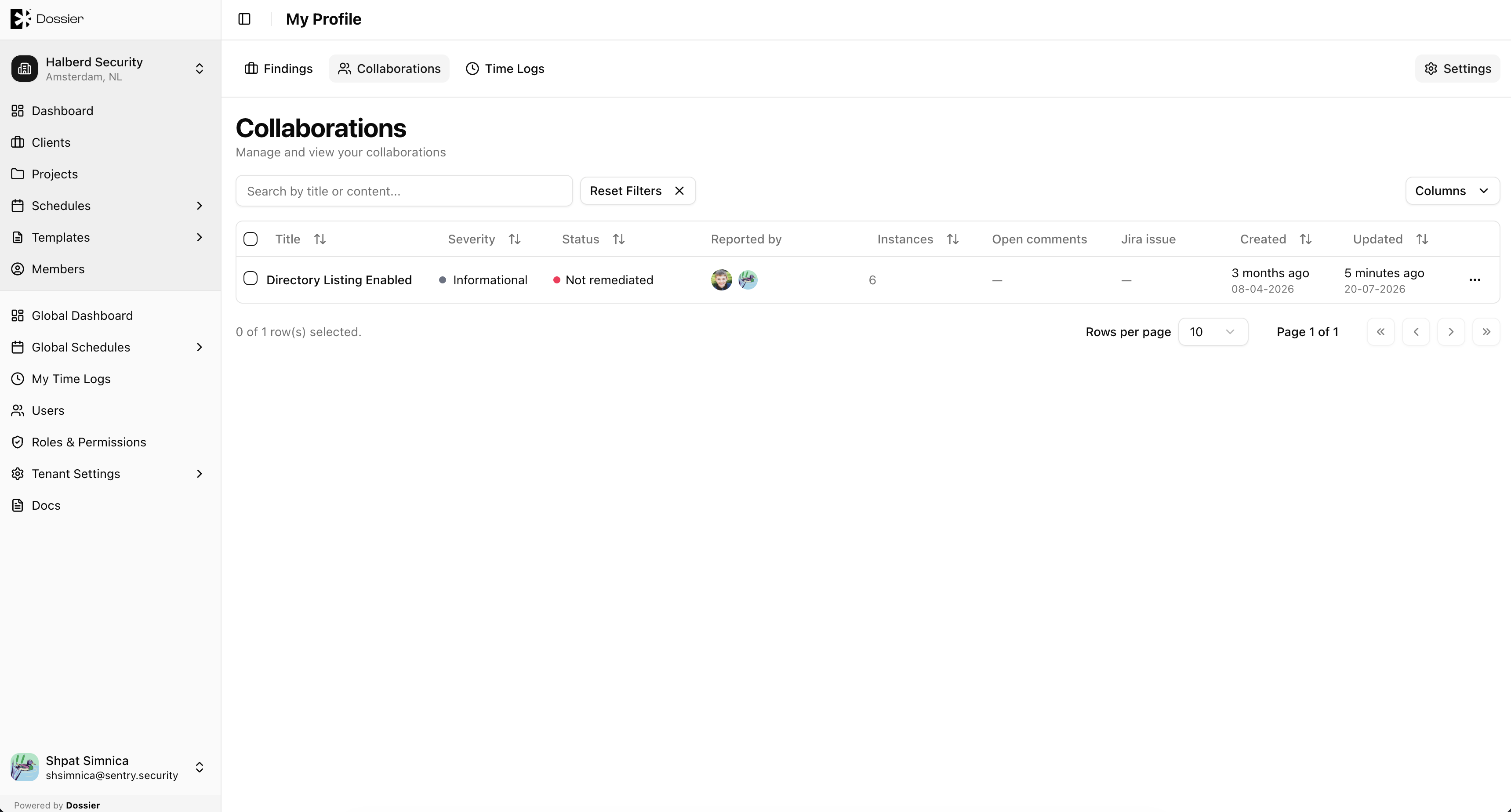
Collaborations
The Collaborations tab shows findings where you are assigned as a collaborator (not the creator). Click a row to open the finding and continue editing.
Route: /profile/collaborations
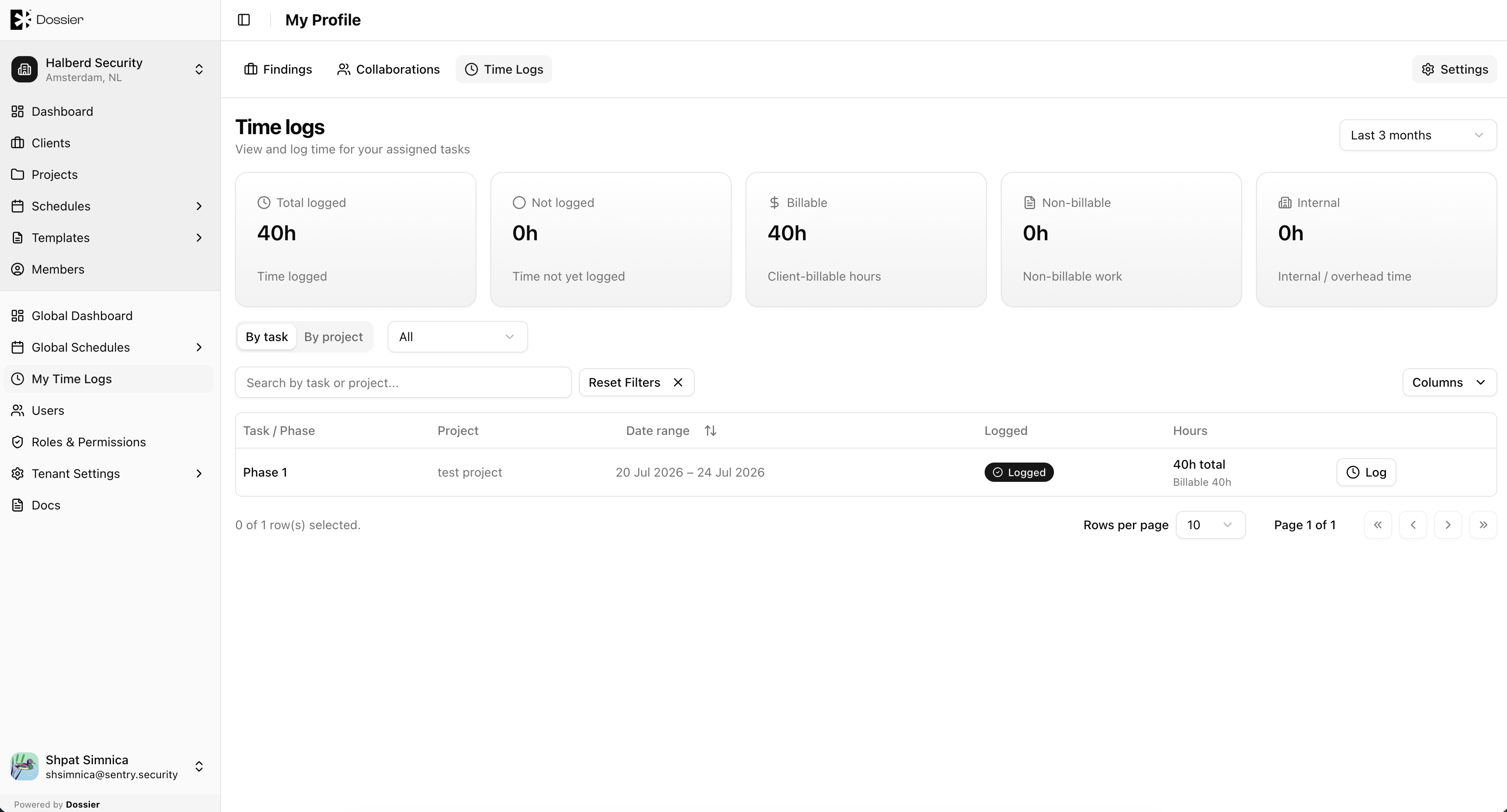
My Time Logs
The My Time Logs tab provides access to your time log entries. See Manage Time Logs for details on logging hours.
Route: /profile/logs